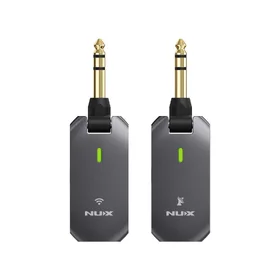
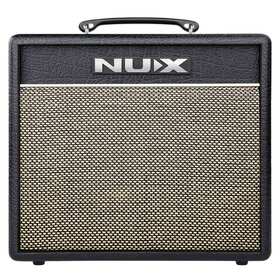
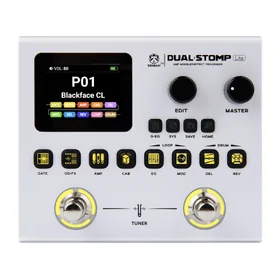
NUX has introduced a brand new tone-processing technology, VariTone™, in the latest Soundbank V2.0. Built on advanced algorithms and strong processing performance, it deeply integrates a high-quality sample library.
The system captures subtle variations in striking position and accurately reproduces the natural tone and dynamic response of an acoustic drum kit, giving players a more realistic and immersive drumming experience.
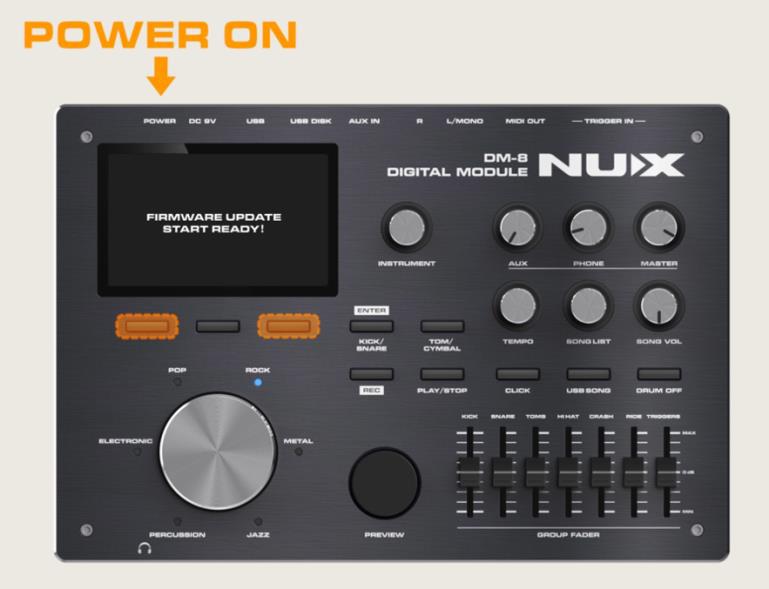
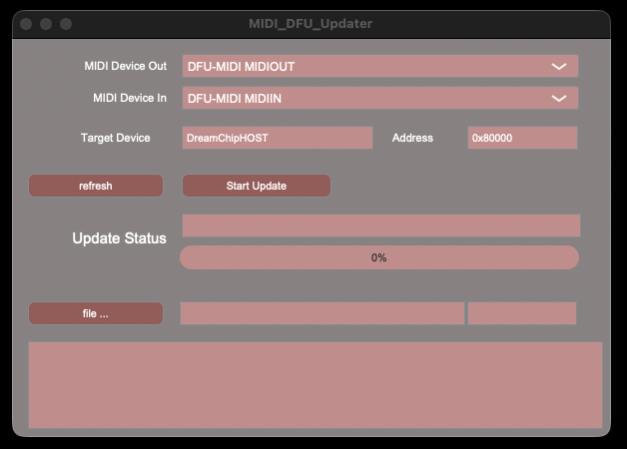
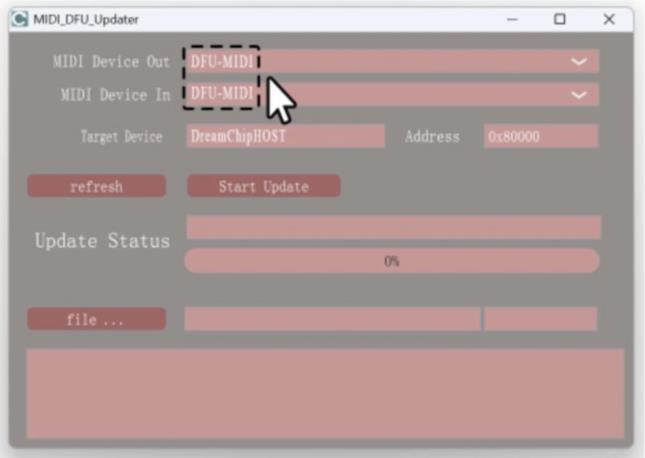
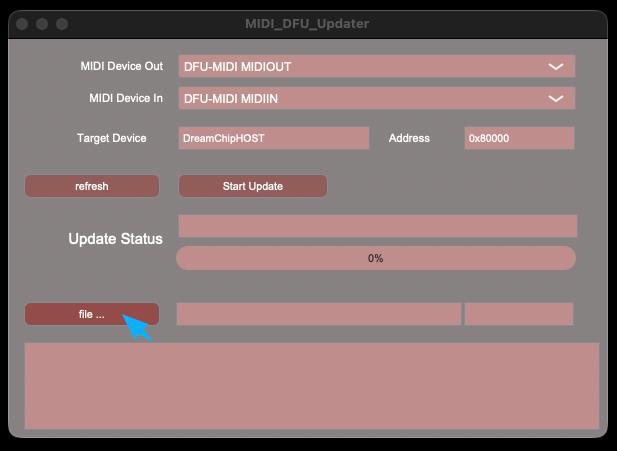
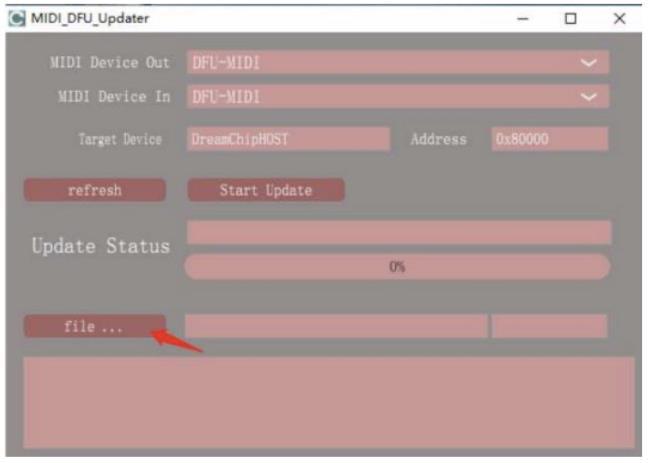
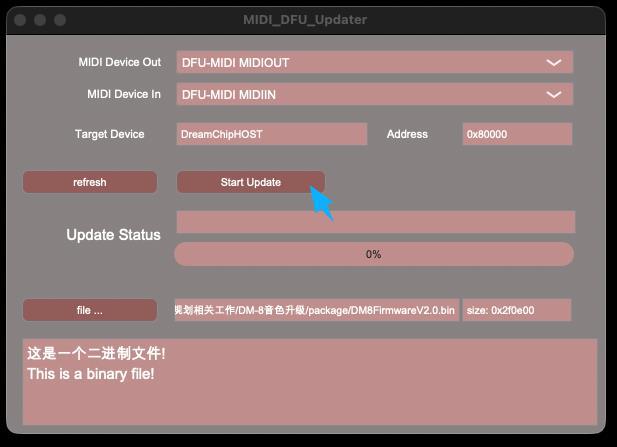
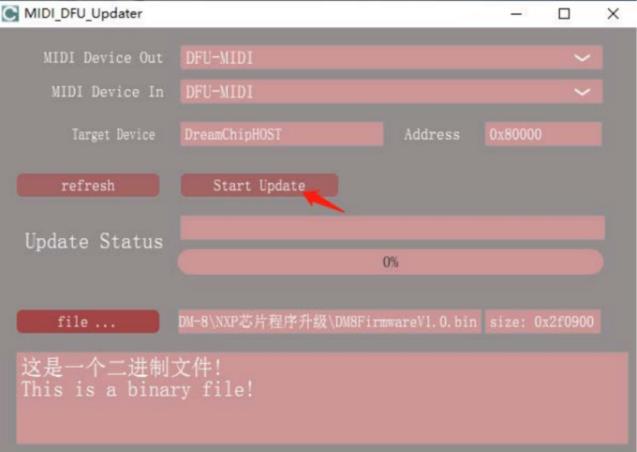
Download the updated firmware from the NUX website here, then follow the steps below:


We started Artist Guitars with a simple belief: quality instruments shouldn't cost the earth. By working directly with our manufacturing partners and selling straight to you, we skip the traditional retail markups that inflate prices. Need expert advice? We’ve got you covered. Our team of musicians is here to help you find exactly what you're looking for.

Read what the Artist Community have to say.
Need more info? You can find it here.
In stock products are dispatched from our warehouse in Yennora, NSW (close to Fairfield) within one business day of purchase. To get an estimate for shipping to your post code please use the Shipping Time Estimator on the product listing.
Drop us an email with your order number and a short explanation for why you'd like to return your purchase. We'll organise a return label for you to print and attach to the box then either drop into your local post office or we can arrange a courier collection if necessary.
If your item arrives damaged we have you covered! Just contact our Customer Happiness team at sales@artistguitars.com.au and we'll arrange a return and replacement for you as soon as possible.
All orders placed on our Australian website are dispatched directly from our local warehouse in Yennora, Sydney (NSW). This ensures fast, reliable delivery right across Australia.
You should receive an order confirmation shortly after you've placed your order. If you haven't received one, please contact us at sales@artistguitars.com.au and we'll look into it for you.
We sell direct to consumer! This helps us keep the cost of our products as low as possible and we pass those savings into our customers which is why our guitars are unbeatable value.

 New Zealand
 United Kingdom